YOWL

Café table · nothing armed

Your laptop, left on the table


Yowl sits in the menu bar. No window, no Dock icon. Nothing is watching until you press Arm — the camera is not running and nothing is being recorded.

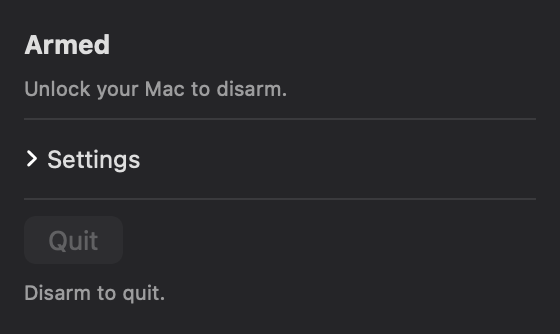
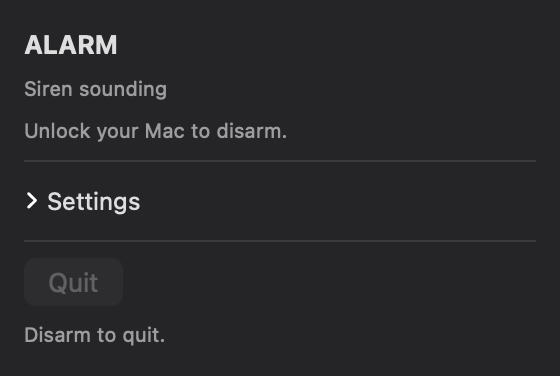
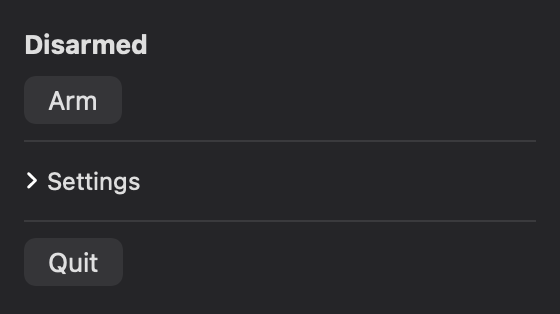
Yowl disarmed, showing an Arm button Yowl armed, saying to unlock your Mac to disarm Yowl in alarm: siren sounding, Quit disabled
the actual app, photographed

What happened, and when

  1. Nothing yet. Press Arm.

Meanwhile, in your pocket

What lands on your phone


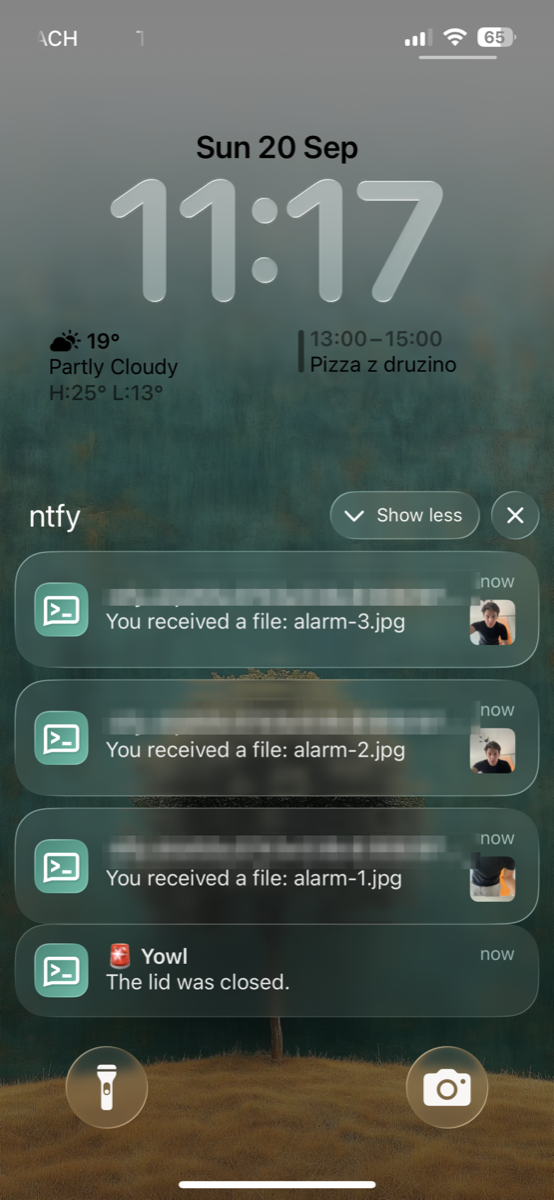
A phone lock screen showing ntfy notifications: three photographs from the alarm, and a message from Yowl reading The lid was closed
a real alarm, blurred where the private topic is

The photographs arrive first, then the reason. You get them on a locked phone, from a machine that is already screaming somewhere else — and you can see who is holding it before you have unlocked anything.

Straight to you
Over ntfy, to a private topic nobody else has. No account, no server of ours in between.
Pictures, not just a ping
Including the ten seconds before the trigger, which is usually the shot that shows a face.
Says which trigger
"The lid was closed." "The laptop was moved." So you know what happened, not just that something did.

Also pinned here

What you can change


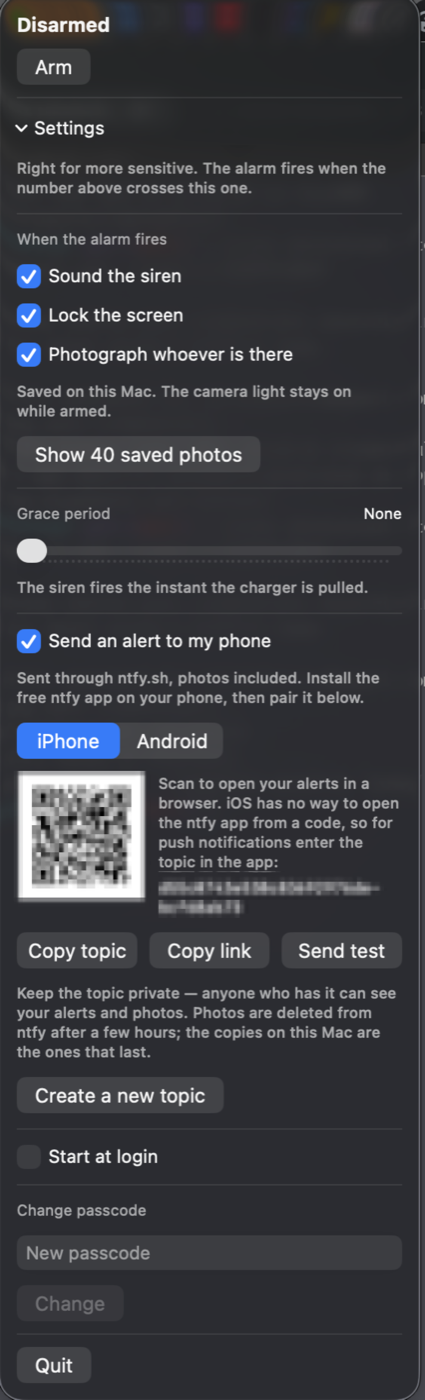
The Yowl settings panel: responses, saved photographs, grace period, phone alerts with a pairing code, start at login, passcode
the panel, blurred where the private topic is
Triggers
Charger on by default. Camera and lid sensor are opt-in; the lid one only appears on Macs that have the hinge sensor.
Responses
Siren, screen lock, photographs, phone alert — each switches off on its own, and arming is refused if nothing is left that could catch a theft.
Sensitivity
A live motion score at your own desk, so you can see whether your background defeats the detection before trusting it.
Grace period
None by default. The siren fires the instant the charger is pulled.
Phone alerts
Paired by scanning a code, with different paths for iPhone and Android — only Android can open the ntfy app from a scan.
Passcode
Not required. Unlocking your Mac is the disarm.
This page is a walkthrough, not the app. The photographs are the shipping interface and the timings are the real ones — the volume really is taken back every second, the photographs really do reach ten seconds back. A web page cannot hold your camera or make your Mac scream, so the sound and the lock are written down rather than performed.

MIT licensed · jernejkocica@gmail.com GitHub · Report something